
We are excited to announce the successful integration of ConnectWise with Avanue ERP - making your systems work smarter, not harder. If you're using both ConnectWise and SAP Business One, this integration eliminates the manual handoffs that have always sat between them.
Sales Invoice syncing
When a Sales Invoice is posted in ConnectWise, the integration automatically generates a corresponding Accounts Receivable (AR) Invoice in SAP Business One - with no manual data entry required. The two systems stay in lockstep, so your finance team always has an accurate view of outstanding invoices without touching a spreadsheet.

Real-time payment updates
Payment records created in SAP Business One are captured by the integration and synced back to ConnectWise, maintaining accuracy across both platforms in real time. No more end-of-day reconciliation. No more wondering whether a payment recorded in one system has made it to the other.
Why you'll love it
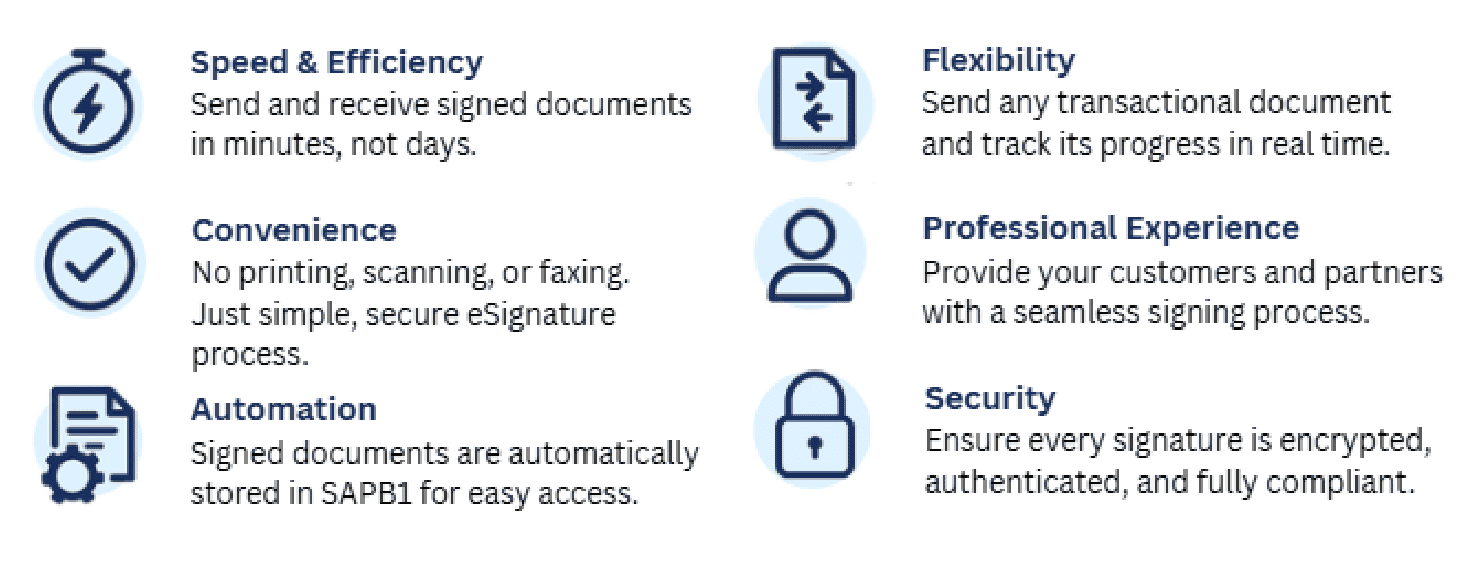
- Hands-Free Data Entry - eliminates manual copying between ConnectWise and SAP
- Rock-Solid Accuracy - automated processes remove errors from aging and cash-flow reports
- Real-Time Visibility - invoice status and payment records update instantly across both platforms
Get started
Contact your Avanue support representative to configure the ConnectWise integration. It's designed to be straightforward to set up and immediate in its impact on daily workflows - most dealers see their first automated invoice sync within the same week they turn it on.
Frequently asked questions
Does the integration require manual syncing, or does it run automatically?
It runs automatically. Once a Sales Invoice posts in ConnectWise, the matching AR Invoice is created in SAP Business One without anyone triggering a sync or re-entering data.
Which direction does data flow between the two systems?
Both directions. Sales Invoices flow from ConnectWise into SAP Business One as AR Invoices, and payment records created in SAP Business One flow back to ConnectWise, so both platforms stay current with each other in real time.
Does this replace our existing ConnectWise or SAP Business One setup?
No. The integration connects your existing ConnectWise and SAP Business One instances as they're already configured - there's no need to change how either system is used day to day.
What problem does this actually solve for finance teams?
It removes the manual copying of invoice and payment data between systems, which is where most reconciliation errors and end-of-day discrepancies come from. With the sync running automatically, aging and cash-flow reports reflect the same numbers in both platforms.
How long does setup take?
Contact your Avanue support representative to configure it - setup is designed to be quick, with most dealers fully live within days rather than weeks.
Do we need both ConnectWise and SAP Business One already in place?
Yes - this integration connects the two systems, so it's built for dealers already running both ConnectWise and SAP Business One and looking to stop moving data between them by hand.
What happens to invoices created before the integration was turned on?
The integration syncs new activity going forward from the point it's activated. Historical invoices and payments already recorded in each system stay exactly as they are - nothing is retroactively changed or re-synced.
Can we turn the sync off temporarily if we need to?
Yes. Your Avanue support representative can pause and resume the integration on request, which is useful during a system migration, an audit, or any period where you want to control exactly when data moves between the two platforms.
For dealers running both platforms side by side, this is the fix for the gap that's always existed between them - invoices and payments that used to need manual copying now simply match, in both systems, without anyone touching them.