

Launching our new DocuSign Integration - simplifying how you send, sign, and manage documents within SAP Business One. No more printing, scanning, or chasing email chains. Send documents for legally binding e-signatures in a few clicks, and have completed records automatically filed back in SAP.
What is DocuSign?
DocuSign is the world's leading electronic signature platform. It enables users to send documents for secure, legally binding signatures in just a few clicks - replacing traditional print-mail-scan workflows with a fully digital process that's faster, more secure, and legally recognized.
How the integration works
The Avanue DocuSign integration embeds the signature workflow directly inside SAP Business One:
- Recipient email addresses automatically populate from Business Partner contact information
- A DocuSign panel enables document type selection and signing status monitoring
- Recipients can sign via email link - no DocuSign account required
- Completed documents automatically upload to the relevant SAP Business One record
- Copies are emailed to all signers for their records
Where to use it
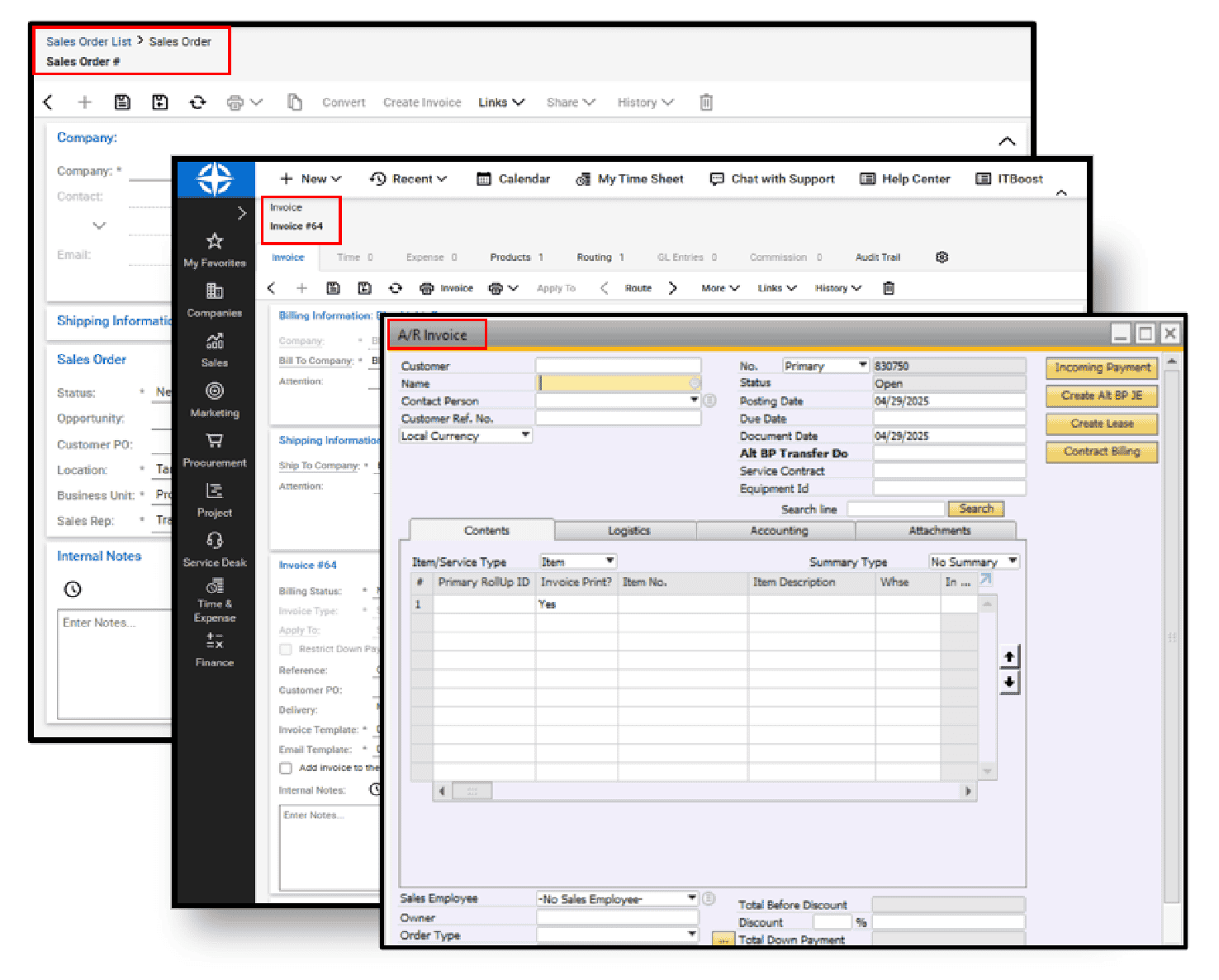
The integration is particularly valuable for Sales Orders, service agreements, and lease contracts - any document where you currently collect a physical or email-based signature.
Why dealers love it
- Contracts that used to bounce by email for days are signed in minutes
- Signed documents are automatically archived in the correct SAP record
- No more chasing customers for signatures - status is visible in the DocuSign panel
- Legally binding and court-admissible in most jurisdictions
- Works on any device - desktop, tablet, or mobile

Get started
Contact your Avanue support representative to activate the DocuSign integration. It works with your existing DocuSign account, or we can help you set one up. Most dealers are sending their first SAP Business One document for signature within a day of activation, since no separate software, portal login, or IT project is required on top of what you already run.
Frequently asked questions
Do recipients need a DocuSign account to sign?
No. Recipients sign through a secure email link - there's no account to create and nothing to install. This is one of the main reasons dealers roll the integration out to customers immediately rather than piloting it internally first.
Is a document signed through this integration legally binding?
Yes. DocuSign signatures are legally binding and court-admissible in most jurisdictions, carrying the same legal weight as a wet-ink signature under the U.S. ESIGN Act and similar legislation elsewhere.
Which SAP Business One documents can I send for e-signature?
Sales Orders, service agreements, and lease contracts are the most common today - effectively any document tied to a Business Partner record with a contact email address can be routed through the DocuSign panel.
What happens after a document is signed?
The completed, signed document is automatically uploaded back into the originating SAP Business One record, and a copy is emailed to every signer - so there's no separate filing step and no risk of a signed contract getting lost in someone's inbox.
Do I need a separate DocuSign subscription?
The integration works with your existing DocuSign account. If you don't have one yet, your Avanue support representative can help you set one up as part of activation.
What happens if a customer never signs the document?
Status is visible directly in the DocuSign panel inside SAP Business One, so your team can see at a glance which documents are outstanding and follow up without digging through email threads or asking someone to check a separate portal.
Taken together, the DocuSign integration turns a process that used to take days of back-and-forth into something that finishes the same day it starts - with the paper trail already filed where your team expects to find it.