
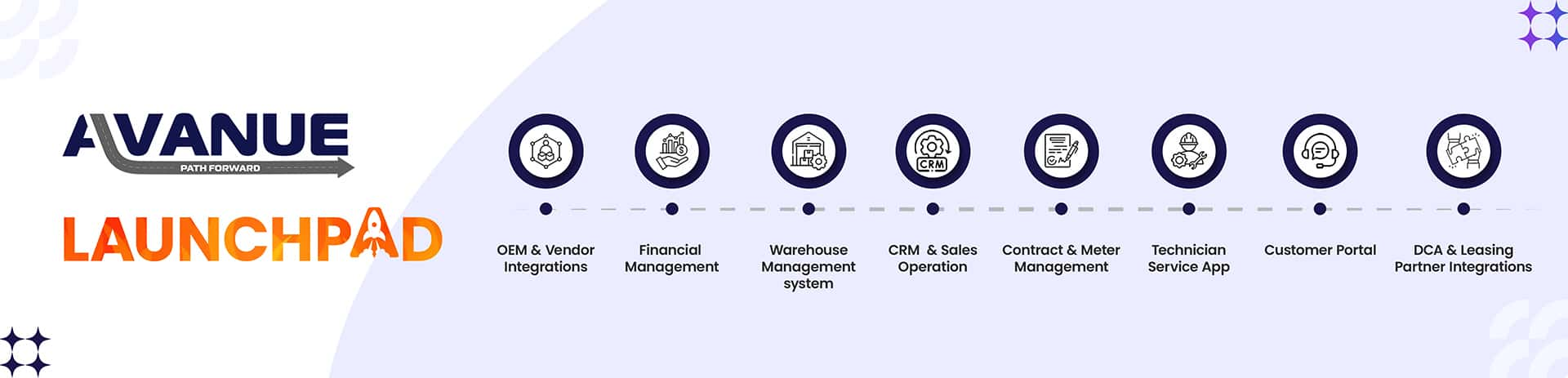

Introducing LaunchPad - Avanue's powerful new single sign-on solution, designed to make accessing your system simpler, faster, and more secure. Sign in once, and access all Avanue offerings including SAP Business One, without ever having to manage multiple passwords again.
What is LaunchPad?
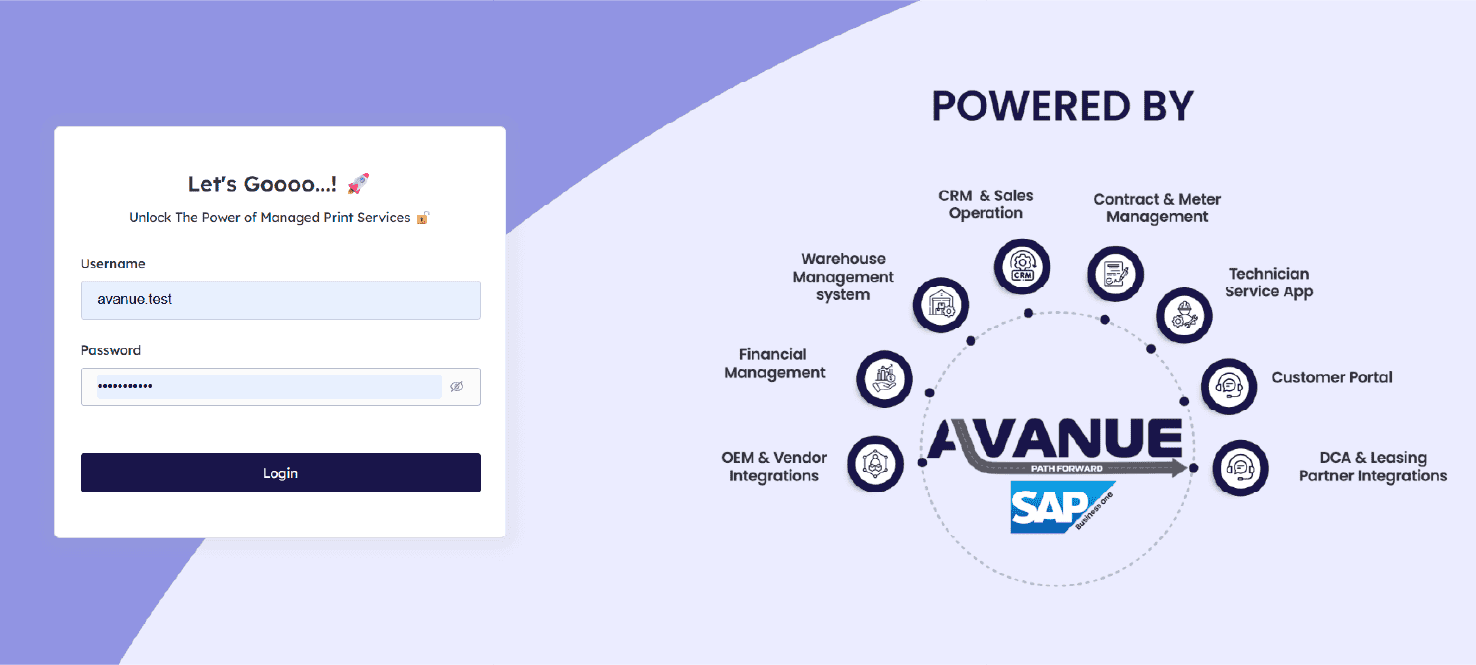
LaunchPad is a centralized access hub. Instead of maintaining separate credentials for each system your team uses, LaunchPad gives every user a single set of login details that unlocks everything they need. No more forgotten passwords. No more login friction. Just one click to get to work.
Why it matters
Every minute your team spends resetting passwords or navigating login screens is a minute not spent serving customers or closing deals. LaunchPad removes that friction entirely.
- Single sign-on across all Avanue offerings and SAP Business One
- One set of credentials per user - no password management overhead
- Faster system access that keeps workflows uninterrupted
- Centralized user management for administrators
- Improved security through standardized authentication
See it in action
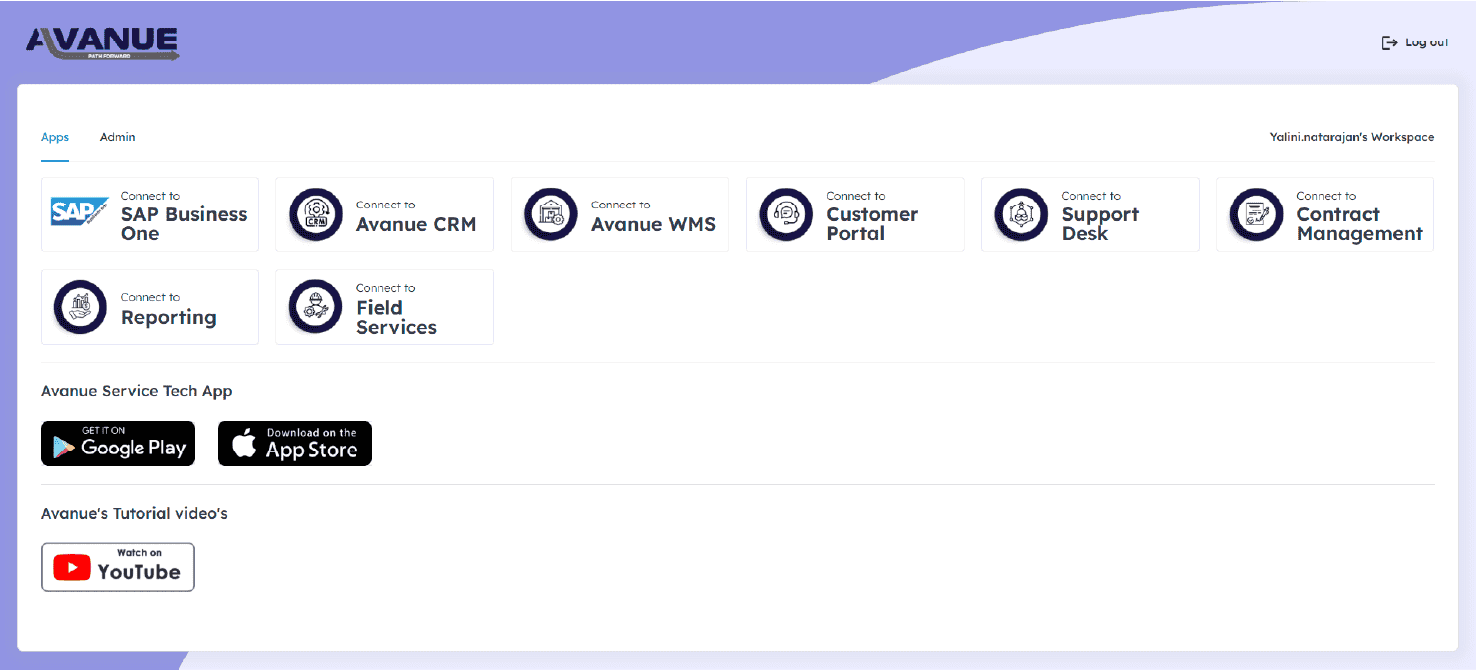
LaunchPad is best understood by experiencing it. Watch the video to see how sign-on works, how users navigate between systems, and how administrators manage access - all from the same interface.

Get started
LaunchPad is available now. Contact your Avanue support representative to configure it for your team. Rollout is handled per-user, so you can move a department at a time rather than cutting everyone over on the same day, and existing SAP Business One and Avanue permissions carry over automatically - LaunchPad changes how people sign in, not what they're allowed to see once they're in.
Frequently asked questions
Does LaunchPad replace my SAP Business One login?
It replaces the need to log into each system separately. One LaunchPad sign-in gives a user access to SAP Business One and every other connected Avanue offering, so there's no separate SAP credential to remember or reset.
Is LaunchPad more secure than separate logins?
Yes. Standardizing authentication through a single sign-on point reduces the number of passwords floating around in email, spreadsheets, or sticky notes, and gives administrators one place to disable access immediately when someone leaves the company.
Can administrators control who has access to what?
Yes. LaunchPad includes centralized user management, so administrators assign and revoke access from one dashboard instead of updating permissions separately in every connected system.
Will my team need training to use LaunchPad?
Most users need no training at all - sign-in goes from multiple login screens to one, and every system they already use opens from the same place. Administrators get a short walkthrough of the access-management dashboard during setup.
How long does it take to set up?
Contact your Avanue support representative to schedule configuration - most teams are fully migrated within a single onboarding session, with no downtime to existing SAP Business One access during the switch.
What happens if a user forgets their LaunchPad password?
Since there's only one credential to manage instead of several, password resets happen far less often in the first place - and when they do, administrators handle it from the same centralized dashboard they use for everything else, rather than resetting access separately in each connected system.
Does LaunchPad work for teams split across multiple locations?
Yes. Because LaunchPad is a centralized access hub rather than a per-location install, a technician, service rep, or administrator gets the same single sign-on experience whether they're logging in from the main office or a remote branch.
The result for most teams is simple: fewer passwords, fewer support tickets about lost access, and one less thing standing between your people and the system they need to be working in.