

We are excited to announce an enhanced version of Avanue Mobile, transitioning from FORZA Mobile. This upgrade brings a modern interface, enhanced reliability, real-time inventory access, and cutting-edge security - putting everything your field technicians need right in the palm of their hand.
Upgraded Interface and Improved Functionality
The redesigned Avanue Mobile interface makes it easier than ever for technicians to manage their day. Three key interface improvements lead the way:

The Call List Home Screen features a cleaner layout that surfaces the most relevant information at a glance, reducing the time technicians spend searching for their next job.

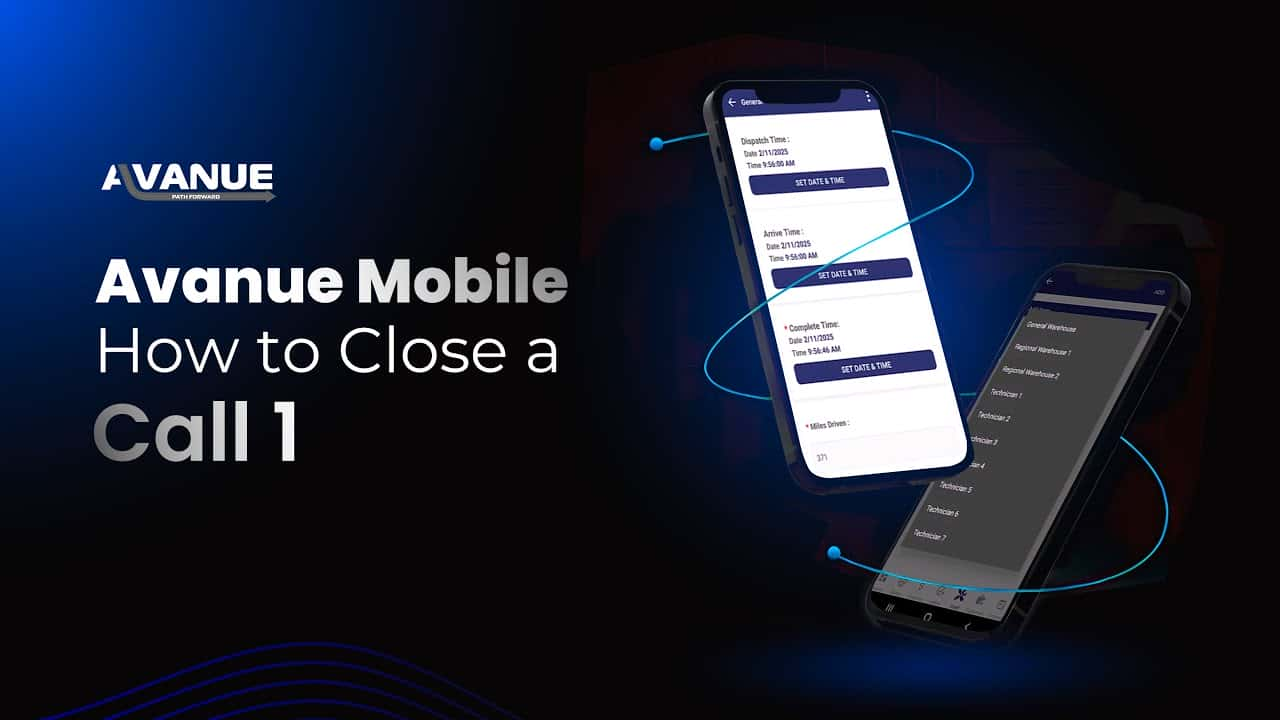
The Expanded Menu Option Screen provides easier navigation across all app features, while the updated Call Close Screen is designed for faster call completion - helping technicians wrap up jobs and move on more efficiently.

Additional Upgrades
Beyond the interface refresh, Avanue Mobile delivers meaningful reliability and performance improvements:

- Reliability improvements ensure data entry consistently reaches the system - no more lost calls or missed updates
- Real-time synchronization keeps inventory and call lists accurate throughout the day
- Session timeout limit extended to 14 HOURS, allowing technicians to remain logged in throughout their entire workday without interruption
Avanue Mobile Features Coming Soon
The Avanue Mobile team is actively developing the next wave of enhancements. Stay tuned for upcoming features that will further extend the capabilities available to your field team.
Check Out Our Mobile Videos
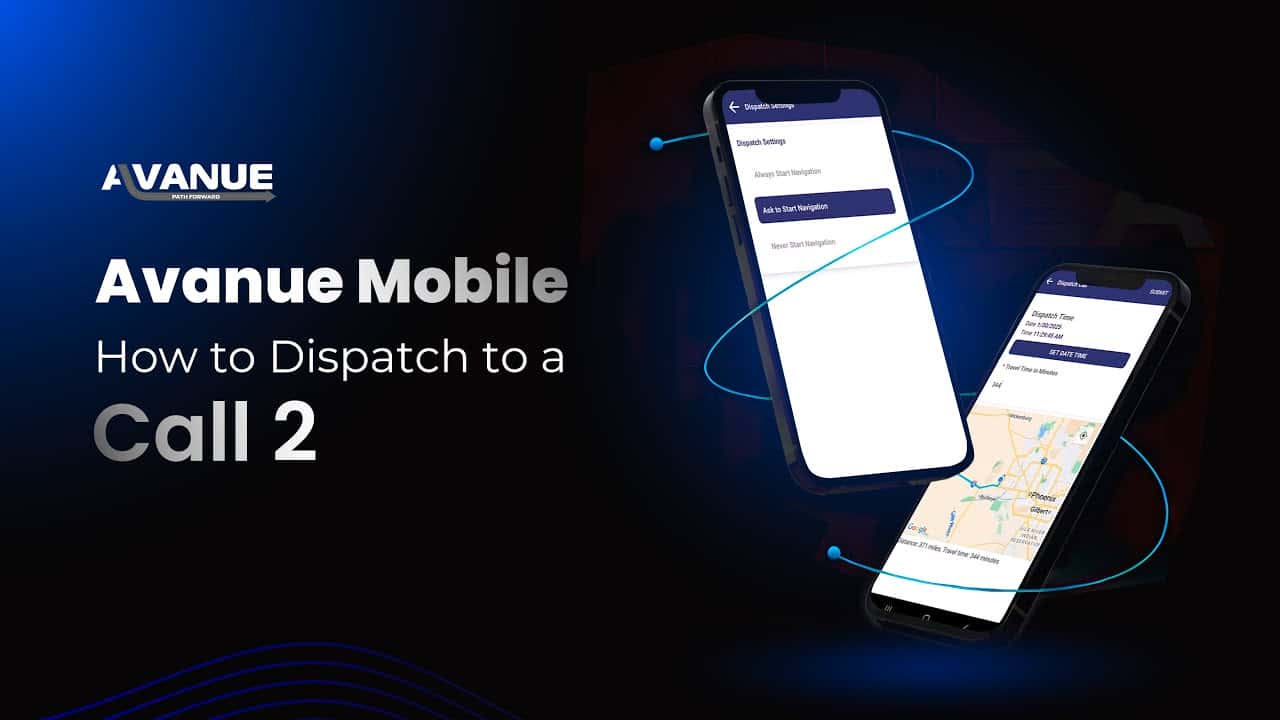
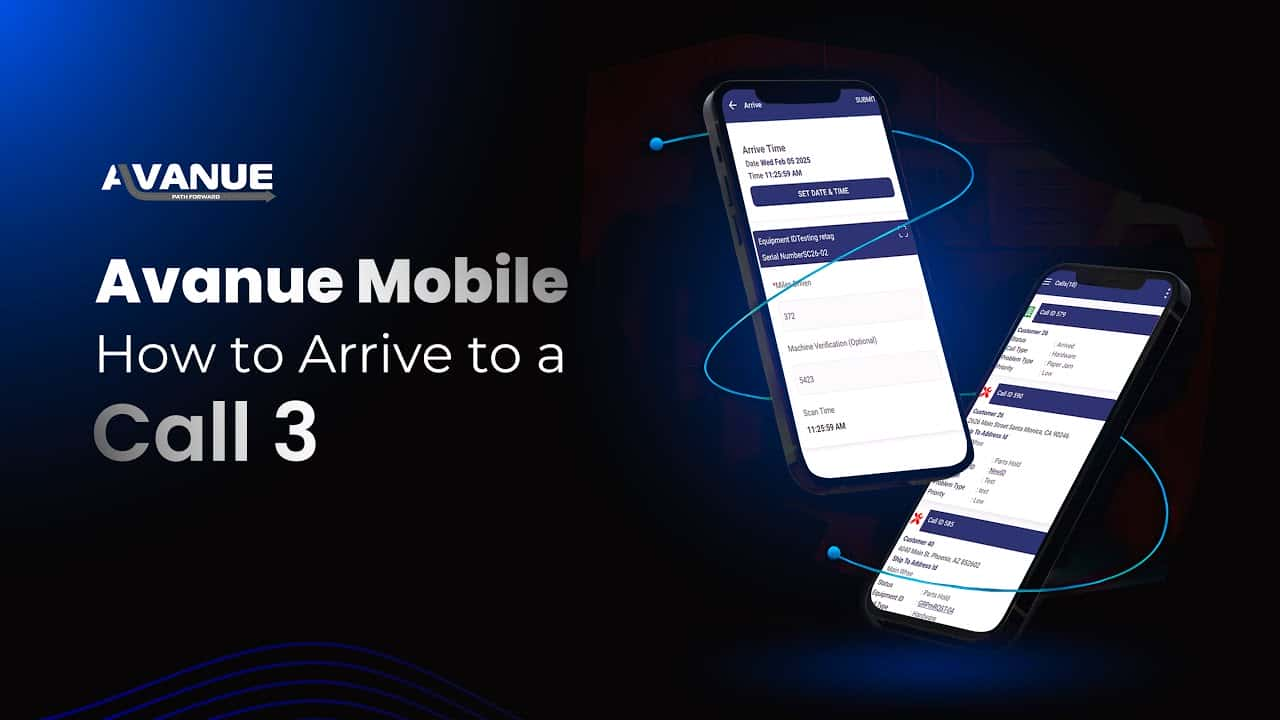
See Avanue Mobile in action. Access the full mobile video playlist to watch walkthroughs of the new interface and features:
How technicians use it in the field
Avanue Mobile is built for the moment a technician is standing in front of equipment, not at a desk. The Call List Home Screen gives them their day's schedule and the most relevant job details without digging through menus, and the extended 14-hour session timeout means a technician starting a route early in the morning doesn't get logged out mid-shift and lose their place. Real-time synchronization keeps inventory and call data accurate as jobs are completed, so dispatch and the warehouse see the same information technicians are working from - useful for dealers coordinating multiple trucks against a shared parts inventory.
Why the upgrade matters
The previous version of the app (FORZA Mobile) is the baseline this upgrade replaces, and the improvements are concentrated where field work actually breaks down: reliability of data entry reaching the system, and friction in daily navigation. Reliability improvements specifically target lost calls and missed updates - a common failure mode for any mobile app operating in buildings with weak signal. The redesigned Call Close Screen is built for faster completion, which matters most at the end of a long day when technicians are trying to close out several calls back to back.
FAQ
What did Avanue Mobile replace?
Avanue Mobile is the upgraded, rebranded version of FORZA Mobile, rebuilt with a modern interface, improved reliability, real-time inventory access, and stronger security.
How long can a technician stay logged in during a shift?
Session timeout has been extended to 14 hours, so technicians can remain logged in for a full workday without being interrupted and having to sign back in between calls.
Does the app work with poor or intermittent signal in the field?
[TODO: confirm official offline/low-connectivity behavior to publish here.]
Is training required to move from the old app to the new one?
[TODO: confirm whether a migration guide or training session is provided for existing FORZA Mobile users.]