
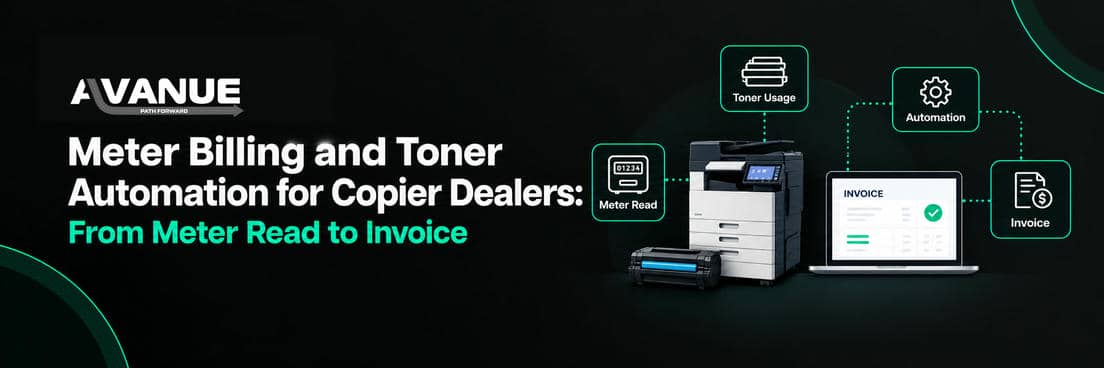

Meter Billing and Toner Automation for Copier Dealers: From Meter Read to Invoice
Meter billing automation connects remote device monitoring to the ERP so meter reads flow straight into contract billing, and low-toner alerts start supply orders. Staff stop keying reads and chasing toner by phone. They spend their time on exceptions: missing reads, unusual volumes and orders that need a decision.
What is meter billing?
Meter billing charges customers by the pages their printers and copiers produce. Each device counts its pages, split into mono and color. The dealer collects the count, called a meter read, subtracts the previous read, and bills the difference at the contract's per-page rate, often called a click charge. Contracts can also include minimum volumes, tiered (slab) pricing and overage rates.
For managed print services (MPS) dealers, meter billing is the main recurring revenue line. Every missed or wrong read is lost or disputed revenue.
The cost of manual meter management
When reads are collected or entered by hand, billing slows down and errors creep in:
- Staff chase customers for missing reads every cycle.
- Typing errors create wrong invoices and disputes.
- Minimums and tiered rates are applied by hand and sometimes missed.
- Billing waits until reads are complete, delaying cash flow.
The problem grows with the fleet. Twice the devices means twice the reads to collect and check.
Manual vs automated: meter reads and toner orders
| Step | Manual process | Automated process |
|---|---|---|
| Collect meter reads | Emails, calls, customer portals, site visits | Automated meter collection through remote monitoring |
| Check reads | Staff review every read | Staff review only exceptions and unusual volumes |
| Apply contract terms | Rates, minimums and tiers applied by hand | Contract terms applied in billing |
| Spot low toner | Customer calls when toner runs out | Monitoring sends a low-toner alert |
| Create supply order | Staff create order, PO and shipment | Alert starts supply fulfillment: order, purchasing and drop-ship per business rules |
| Fix device issues | Technician visits every time | Remote service resolves some issues without a site visit |
Automation still needs rules and oversight
Automated toner orders must follow business rules. Check customer preferences, stock already on site, contract coverage and minimum reorder levels. An alert should create an order only when the workflow is set up to do so.
The same applies to billing. Automation handles routine reads, so people can focus on the reads that look wrong.
Paper and toner optimization
Usage data does more than trigger orders. It shows how much each device really prints, so dealers can ship the right cartridge at the right time instead of stockpiling toner at customer sites. That cuts excess inventory, reduces waste and supports green print management, which more US customers now ask about in contract reviews.
Device alerts also enable remote service, and when a visit is needed, technicians get the details in the Service Tech Mobile App. Some issues can be diagnosed or fixed remotely, avoiding a truck roll and lowering cost per service call.
How Avanue automates meter billing and supplies
Avanue is Avaniko's division for managed print and office technology dealers. Its All-in-One platform runs on SAP Business One, with contract management and warehouse management built in.
Avanue integrates with supported remote monitoring platforms to bring meter reads into contract billing. For supplies, low-toner alerts can start supply order creation, purchasing and drop-shipping, based on the dealer's rules. Because everything runs in SAP Business One, billing, inventory and finance use the same data.
For example, instead of collecting reads by email at month end, the billing team starts the cycle with reads already in the system and reviews only the devices with missing or unusual counts.
5 steps to find your best automation opportunities
- Document the workflow from meter collection to invoice, and from low toner to delivery.
- Measure manual effort: hours per cycle on entry, follow-ups and corrections.
- List recurring exceptions: why reads go missing and why orders need intervention.
- Check integration options: which monitoring platforms are supported and what can be automated.
- Track results: billing cycle time, invoice disputes, order accuracy and manual touches.
Give your team time for higher-value work
Your billing team should not spend days keying meter reads. Connect monitoring, billing and supplies, then focus people on exceptions and customers.